WooCommerce 11.0 is the latest major release of the free, open-source shop plugin that powers a large share of WordPress online stores. The headline for busy shop owners is simple: this update is about speed and reporting. It continues the platform’s push towards faster product pages and a cleaner analytics experience, so customers wait less and you see clearer numbers on what is actually selling.
If you run a WooCommerce shop on your own WordPress site, here is the direct answer to the question you are probably asking: yes, it is worth updating, but not blindly on a Friday afternoon. Below we explain what the 11.0 release focuses on, what it means for a small business day to day, and the sensible way to install it without breaking your checkout. Always check the official WooCommerce developer release notes for the exact version details before you upgrade, because feature lists change between point releases.
What WooCommerce 11.0 is really about
Recent WooCommerce releases have followed a consistent theme, and 11.0 sits squarely in that story. The team behind the plugin, owned by Automattic, has spent the last few versions doing two things: making the code that renders your shop leaner, and modernising the built-in analytics and admin screens.
For a shop owner that translates into three practical directions:
- Performance: product and shop pages that render with less overhead, which matters for both customer experience and Google rankings.
- Analytics: continued improvement to the Analytics area under the WooCommerce menu, where you track orders, revenue, top products and returning customers.
- Blocks and checkout: ongoing work on the block-based Cart and Checkout, the newer editor-friendly way of building those pages compared with the old shortcode versions.
Because WooCommerce is open source and free to install, you are not paying for the plugin itself. Your costs sit around it: hosting, a theme, paid extensions and payment processing fees. So a release that squeezes more speed out of the free core is genuinely useful, because it can reduce how much you need to spend patching performance elsewhere.
Faster product pages: why it matters for a small shop
Page speed is not a vanity metric. Slow product pages lose sales and quietly hurt your search visibility. A customer on a phone with a patchy signal will abandon a page that stalls, and Google’s Core Web Vitals reward pages that load and become interactive quickly.
WooCommerce 11.0’s performance work helps at the code level, but the plugin is only one part of the stack. Your hosting and caching setup usually make a bigger difference. This is where naming real tools helps. For UK stores, hosts worth shortlisting include the British provider Krystal, the managed WordPress specialist Pressable (also owned by Automattic and tuned for WooCommerce), and larger names such as Kinsta and SiteGround. On the caching side, WP Rocket and the lightweight Perfmatters plugin are popular for trimming what loads on each page, while servers running LiteSpeed can use the free LiteSpeed Cache plugin.
The practical point: updating to 11.0 gives you the core speed gains, but pairing it with good hosting and one caching tool is where most owners see product pages actually feel quicker. If you are still weighing platforms altogether, compare hosting and caching before you upgrade the core plugin. of Shopify vs WooCommerce vs Squarespace for a UK online store in 2026 is a good starting point.
Analytics updates: reading your numbers without a spreadsheet
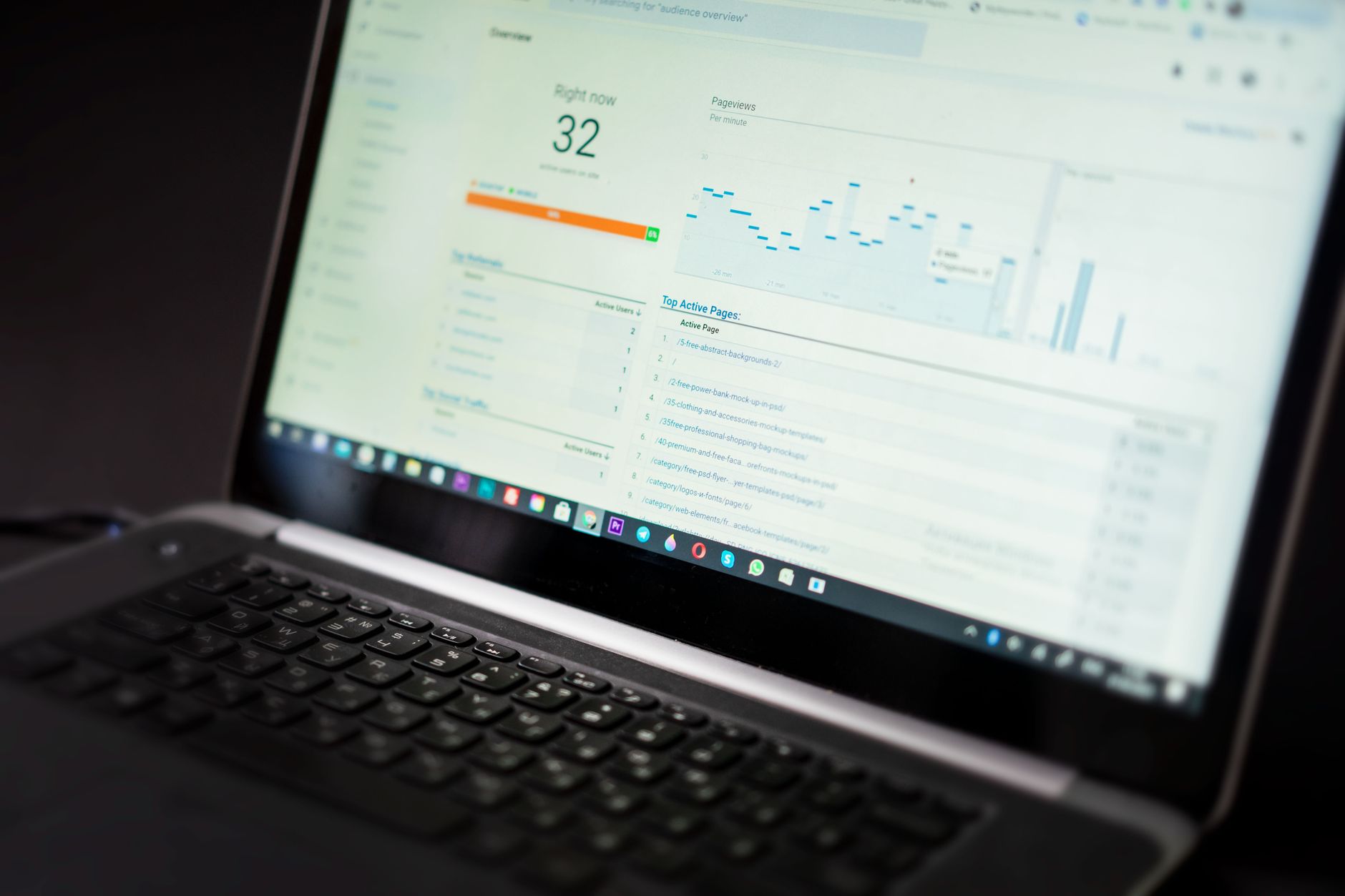
WooCommerce’s built-in Analytics section lets you see revenue, orders, average order value, top products and coupon use, with date ranges and comparisons. The 11.0 line of releases continues to refine these reports and the wider admin experience, so the data you need is closer to the surface.
For most sub-£1m shops the built-in reports are enough to answer the questions that matter: which products earn their shelf space, what your genuine average order value is, and whether repeat customers are growing. If you want deeper reporting, the specialist tool Metorik plugs into WooCommerce and is well known among store owners who want richer dashboards, customer segments and email flows than the core plugin offers. For visitor behaviour and traffic sources rather than sales figures, MonsterInsights connects WooCommerce to Google Analytics 4 without you having to touch tracking code.
Knowing your numbers is also the foundation for judging whether any tech spend was worth it. If you are investing in speed plugins, paid analytics or new extensions, our guide on how to know automation has paid off covers the figures to watch so you are not guessing.
WooCommerce 11.0 versus staying put: a quick comparison
| Consideration | Update to WooCommerce 11.0 | Stay on your current version |
|---|---|---|
| Cost | Free (the plugin itself) | Free, but you may miss security and speed fixes |
| Product page speed | Benefits from ongoing performance work | No change |
| Analytics | Latest reporting and admin refinements | Older reporting screens |
| Security | Runs on a supported, patched version | Risk grows as versions age |
| Extension compatibility | Needs checking; some paid add-ons lag behind | Already tested and working |
| Effort | Test on staging, then update | None now, more later |
The honest position is that staying several versions behind is the real risk, not the update itself. Security patches, payment gateway compatibility and speed all favour keeping current. The only sensible caution is testing before you push it live, which we cover below.
What this means for your checkout and payments
WooCommerce’s block-based Cart and Checkout have been maturing for a while, and they matter because checkout is where money is either taken or lost. If you moved to the newer blocks, keep an eye on how your payment gateway behaves after any update. The common UK gateways include Stripe, PayPal, the direct debit specialist GoCardless for subscriptions and recurring billing, and the European provider Mollie, which supports cards plus methods like iDEAL and Bancontact if you sell into Europe.
Processing fees vary between these providers, and they add up quickly on thin margins, so it is worth reading our breakdown of what UK small businesses actually pay in card payment fees alongside any WooCommerce update. And if you sell across the Channel, remember the paperwork changes covered in our guide to the new EU shipping rules UK online sellers must follow.
Do not update without a backup and a test
Every WooCommerce update carries a small risk that a theme or paid extension has not caught up yet. The routine that protects you is boring and reliable:
- Take a full backup of your site and database first.
- Run the update on a staging copy (most good hosts offer one-click staging) and test the whole buying journey, including a real test order.
- Check your key extensions, especially your payment gateway, shipping calculator and any subscriptions plugin.
- Only then update the live site, ideally during a quiet trading period, not your busiest hour.
Building a light monthly habit around this pays off. Our piece on a simple online store security routine to catch problems early sets out a checklist you can reuse every time an update lands.
Frequently asked questions
Is WooCommerce 11.0 free?
Yes. WooCommerce is a free, open-source plugin, and updating to 11.0 does not cost anything for the core software. Your ongoing costs are hosting, your theme, any premium extensions and payment processing fees, not the plugin itself.
Will updating break my shop?
It usually will not, but the risk is never zero because third-party themes and paid extensions sometimes lag behind a new release. Take a backup, test on a staging site and confirm your payment gateway works before updating the live store.
Do I have to switch to the block-based checkout?
WooCommerce has been steering stores towards the block Cart and Checkout, but many shops still run the older shortcode versions. Check the current release notes for how your setup is affected, and test any change to checkout carefully because it directly touches your conversion rate.
Will WooCommerce 11.0 actually make my product pages faster?
The core performance work helps, but real-world speed depends heavily on your hosting, theme and caching. Pairing the update with a solid UK host and a caching plugin such as WP Rocket, Perfmatters or LiteSpeed Cache is where most owners notice the difference.
Do I need extra analytics tools on top of WooCommerce?
For most small shops the built-in Analytics section covers the essentials. Add a tool only when you have a specific gap: MonsterInsights for traffic and behaviour via Google Analytics, or Metorik for deeper sales reporting and customer segments.
What to do next
- Read the official notes: check the current WooCommerce release notes so you know exactly what changed in the version you are installing.
- Back up and test: take a full backup, update on a staging copy, and place a test order before touching the live site.
- Check your speed stack: confirm your hosting and caching are pulling their weight, since they shape product page speed as much as the plugin does.
- Review your numbers: open the Analytics screen after updating, note your top products and average order value, and decide whether a tool like Metorik earns its place.